Delivery
Hotel Delivery Robot: Payload, Navigation and the Delivery Workflow
How a hotel delivery robot carries amenities, navigates corridors, calls the lift and hands items to guests — plus the operating limits to test before buying.
Quick answer
AOBOTETE carries a 10.1-inch screen, a 15Ah battery and a 35 kg body. The workflow has six steps and three lift methods. A 100-room hotel with 30 daily deliveries and a 60% robot share needs about 18 tasks a day, or one unit per shift.
On this page
A hotel delivery robot is not a trolley with a motor. It is a small transport system: a locked compartment, a map, a lift handshake and a guest notification. The robot is the visible part; the workflow around it decides whether the property actually saves time.
This guide covers the delivery robot specifically — what it carries, how it finds the room, how it uses the lift, and where the operating limits appear. It is written for hotel operators who are comparing a pilot against the current manual run.
What is a hotel delivery robot?
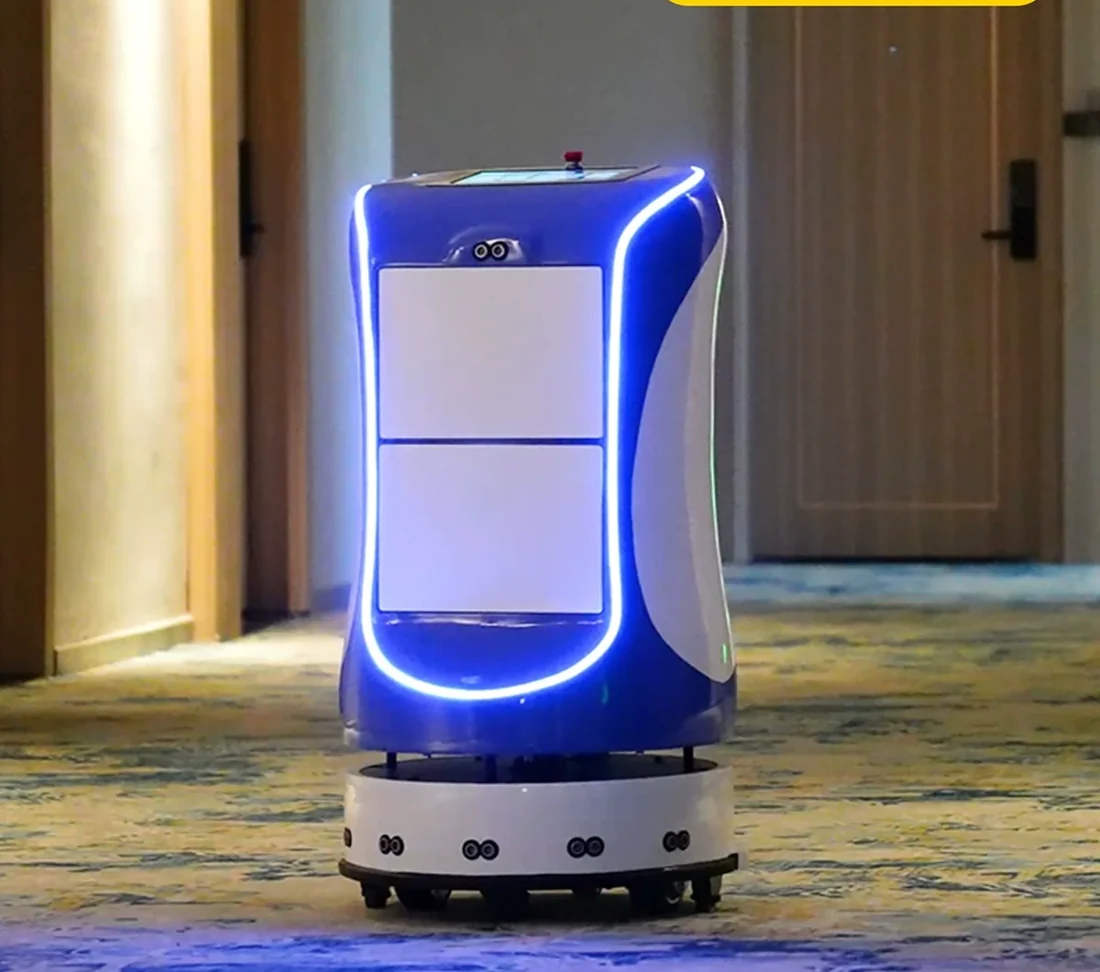
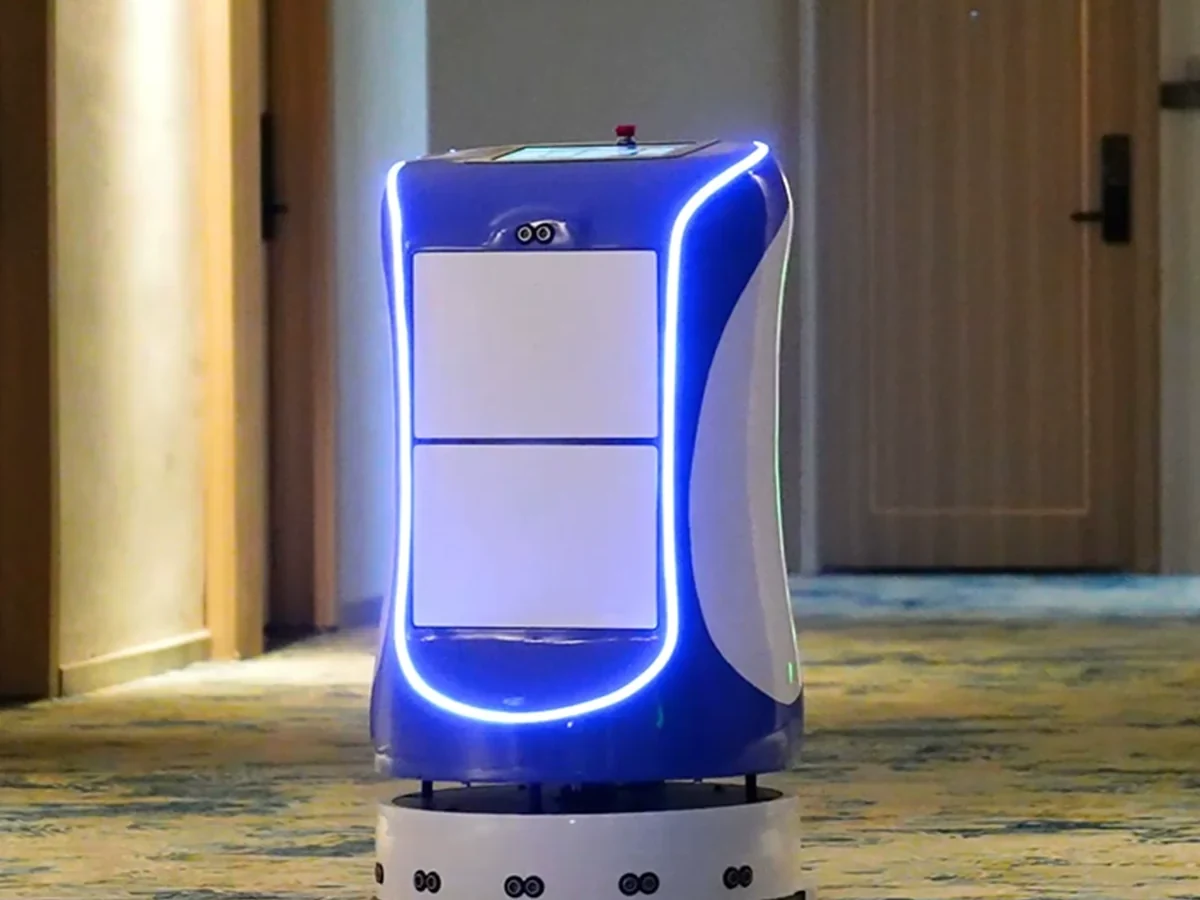
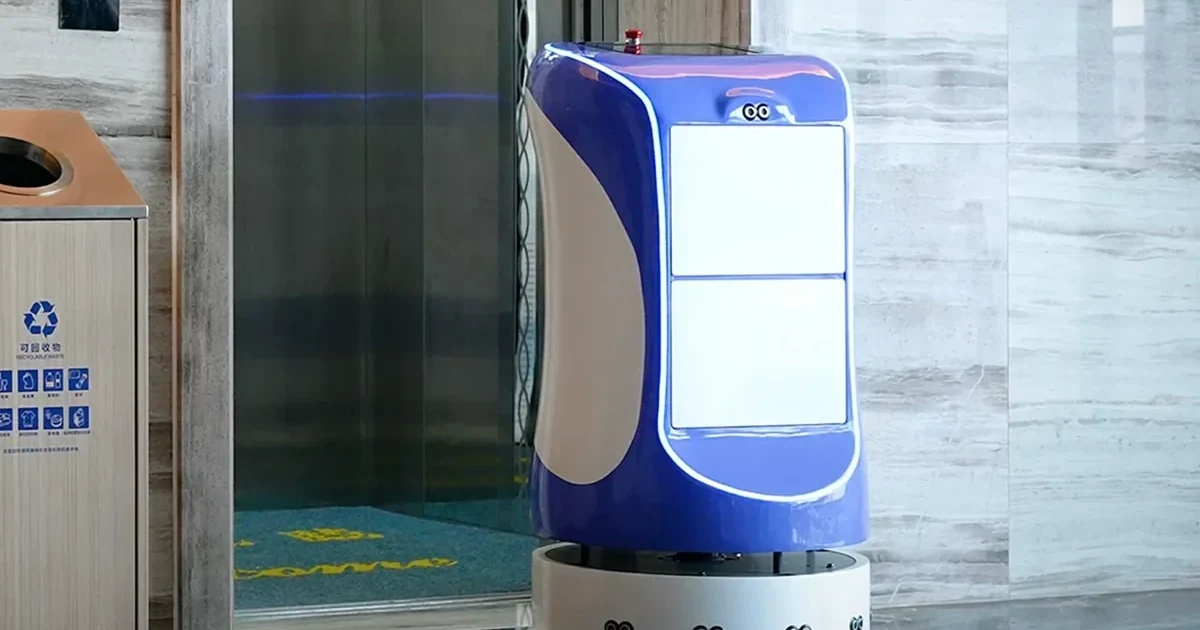
A hotel delivery robot moves a closed compartment from a loading point to a guest floor, then returns or accepts the next task. The hotel delivery robot platform (AOBOTETE) is the model used for this work: a 10.1-inch touch screen, a 15Ah battery and a 35 kg unit, with the compartment layout configured per order.
The job is different from a room service robot only in emphasis. A room service robot is defined by the guest-triggered request and the notification path; a delivery robot is defined by the transport leg. Most hotels use one platform for both, configured with the same lift and network. The hotel service robot overview explains where delivery sits in the wider category.
What can a hotel delivery robot carry?
The compartment is the constraint. A standard configuration handles small, sealed and stackable items. Bulky luggage, open trays and anything that leaks need a different platform.
| Load type | Examples | Handling note |
|---|---|---|
| Amenities | Toothbrush, slippers, adapters, baby kit | Sealed or boxed; label the room |
| Linen | Towels, pillows, bedding | Bagged; watch compartment height |
| Water and minibar | Bottles, canned drinks | Upright; no open containers |
| Parcels | E-commerce, documents, guest mail | Chain of custody rule |
| Laundry | Bagged guest laundry | Separate from F&B |
| Sealed F&B | Covered trays, packed meals | Temperature and spill rule |
Payload and compartment volume are confirmed in the quotation for the chosen configuration. The factory catalogue lists the model specifications, and the comparison guide explains how a delivery platform differs from a restaurant tray runner.
How does indoor navigation work?
The robot builds a map with LiDAR and vision sensors, then localises itself against that map on every trip. It plans a route around people, furniture and temporary obstacles. If a corridor is blocked, it waits, reroutes or returns the task to the console.
The map is not a one-time file. Furniture moves, renovation changes a corridor, and seasonal displays create new obstacles. The property needs a mapping owner and a rule for updating the map after a layout change. The glossary defines SLAM, LiDAR and the other terms used in the specification sheet.
How does the robot call the lift?
Three methods are common:
- Dry contact — the robot closes a relay wired to the lift controller. It is the simplest and usually the cheapest, but it depends on spare relay inputs and the lift vendor’s approval.
- RS485 or serial — the robot sends a floor request over a serial link. It needs the controller’s protocol and a tested mapping of floor commands.
- API — the lift vendor exposes an interface. It offers the cleanest status feedback but needs vendor cooperation, a security review and a longer schedule.
The elevator integration guide explains the survey, the fire-mode rule and the acceptance test. The lift is the most common reason a delivery pilot slips, so the survey should happen before the quotation is fixed.
What is the six-step delivery workflow?
A reliable delivery has six steps:
- Request — staff create the task, or the guest calls the room phone or scans a QR code.
- Queue — the task is assigned to a robot and a compartment.
- Load — a staff member loads the item and confirms the room number.
- Transit — the robot takes the corridor route, calls the lift and travels to the floor.
- Notify — the robot calls the room phone, sends an app message or shows a code on the screen.
- Hand-off and return — the guest takes the item, the compartment closes, and the robot returns or accepts the next task.
Each step needs an owner. The hotel delivery robot page lists the platform features; the workflow itself is a property design, not a product feature.
How does the guest receive the item?
Three notification paths are common:
- Room phone (PABX) — the robot asks the phone system to call the room and play a short message. It works with most hotel phones but needs a call-trigger interface.
- App or messaging — the guest receives a notification with the delivery status. It requires a guest-facing app or messaging integration.
- Screen and QR code — the robot displays a code at the door; the guest enters it to open the compartment. It needs no phone integration but requires the guest to be present.
The room service robot page covers the guest-triggered flow, and the PMS integration guide explains how room status and task references are exchanged. A property can start without PMS access and add it later; the robot console is enough for a pilot. For a workflow review, contact the deployment team.
What are the operating limits?
The limits are physical, not marketing:
| Limit | Why it matters | Test before go-live |
|---|---|---|
| Wi-Fi coverage | Task updates and lift calls stop in a dead spot | Walk test on every route |
| Door and corridor width | The robot needs clearance around housekeeping carts | Measure the tightest point |
| Carpet and thresholds | Deep pile and raised thresholds slow or block the base | Drive the full route |
| Lift wait | A busy lift can exceed the task timeout | Test at peak |
| Battery and charging | Runtime depends on route length and lift wait | Log a full shift |
| Fire mode | The lift may refuse robot calls during an alarm | Simulate with the lift vendor |
These are the tests in the deployment checklist. A demo that only runs a clean corridor has not tested the building.
How many delivery robots does a hotel need?
Use the property’s own numbers, not the room count:
Robots = daily robot tasks ÷ tasks per robot per shift.
For a 100-room hotel with 30 daily deliveries, a 60% robot share gives 18 tasks. At a 10-minute round trip and an 8-hour shift, one unit can complete about 48 tasks, so one robot covers the pilot with spare capacity. The arithmetic is in the 100-room pilot plan; the ROI calculator lets you change the inputs.
The price guide explains why the unit price is only one line of the project. The city hotel solution shows a typical service-core layout for a property of this size.
Where to go next
- Review the hotel delivery robot and room service robot configurations.
- Compare models and specifications in the factory catalogue.
- Read the price guide before the first quotation.
- Size the fleet with the ROI calculator.
- Prepare the site with the deployment checklist.
- Understand the category in what is a hotel robot.
- Send the route and room count through the contact page.
- Message the factory on WhatsApp.
The goal is not a robot that completes one demo delivery. It is a route that still works at 23:00, when the lift is busy and the only staff member on shift is loading the next task.