
Guide / Integration
Hotel robot PMS integration: what connects to what
Response within 24 hours · Warranty: 12 months
Reviewed by Aobotics Project Team
Quick answer
A hotel robot connects to the PMS to read arrival status and create delivery tasks, and to the PABX to notify the guest’s room phone. Most integrations are read-only plus a task queue; payments and identity verification stay in the PMS or at the desk. A manual staff console is the fallback.
- Core systems
- 2
- Data fields
- 4
- Fallback queue
- 1
- Warranty
- 12 mo
Architecture
How does the robot connect to the PMS?
A small integration layer, not a direct database link.
The robot should not connect directly to the PMS database. A connector or middleware exposes only the fields the robot needs: room number, arrival status, guest language and a task reference. This keeps the PMS vendor support valid and limits the blast radius of a failure.
The connector can be an API, a webhook, a message queue or a read-only database view, depending on the PMS. The property’s IT team and the PMS vendor must approve the method before the integration starts.
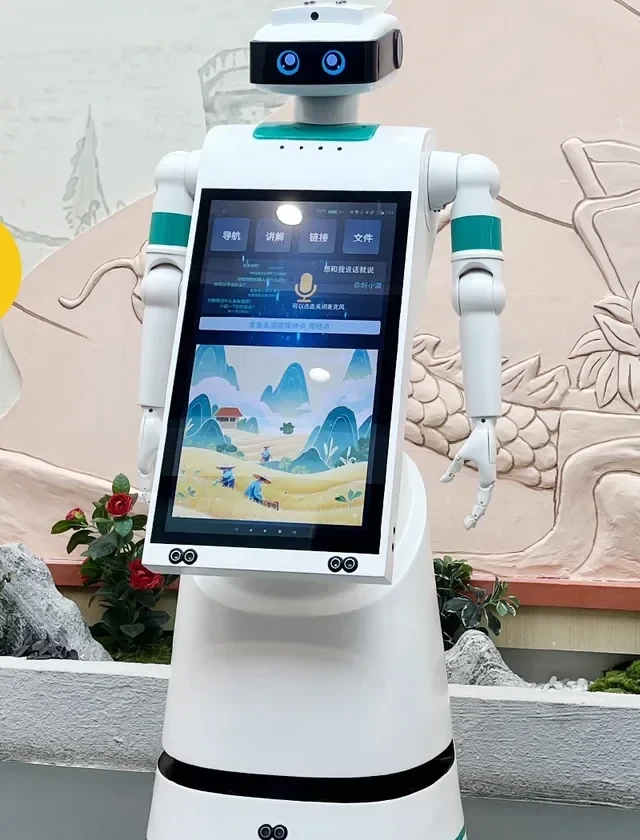
Data
Which data fields does the robot need?
Keep the data set small and auditable.
Do not read rate, payment or identity data for a delivery task. If a use case needs it, document the legal basis and limit retention.
| Field | Purpose | Access |
|---|---|---|
| Room number | Route and compartment assignment | Read |
| Arrival status | Check-in support and delivery eligibility | Read |
| Guest language | Notification and screen language | Read |
| Task reference | Link the robot task to the PMS record | Read / write |
| Delivery status | Close the task and update the queue | Write to robot service |
| Guest phone | PABX notification | Read, masked |
PABX
How does the room phone notification work?
A call trigger, a short message and a release prompt.
The robot service asks the PABX to call the room and play a short message: a delivery has arrived, please open the door or enter the code on the screen. The PABX needs a call-trigger interface or a supported integration with the middleware.
If the PABX cannot be triggered, the fallback is the robot screen plus an app or SMS notification. The property should decide which channel is primary before the pilot, not after the first missed delivery.
Security
What are the security requirements?
Least privilege, logging and a named owner.
- Read-only access by default; write access only for the task reference and status.
- A dedicated service account with a rotated credential.
- Network segmentation between the robot fleet and the PMS.
- Audit logs for task creation, release and exception events.
- A named owner in IT and a named owner in front office.
- A documented fallback if the connector is unavailable.
Fallback
What happens when the integration fails?
The hotel must be able to deliver without the connector.
If the PMS connector is down, the front desk should still be able to create a task on the robot console. If the PABX is down, the robot screen and app remain. If the robot service is down, staff deliver manually and log the task.
The fallback procedure should be printed at the desk and tested during the pilot. An integration that has no fallback is a single point of failure for guest service.
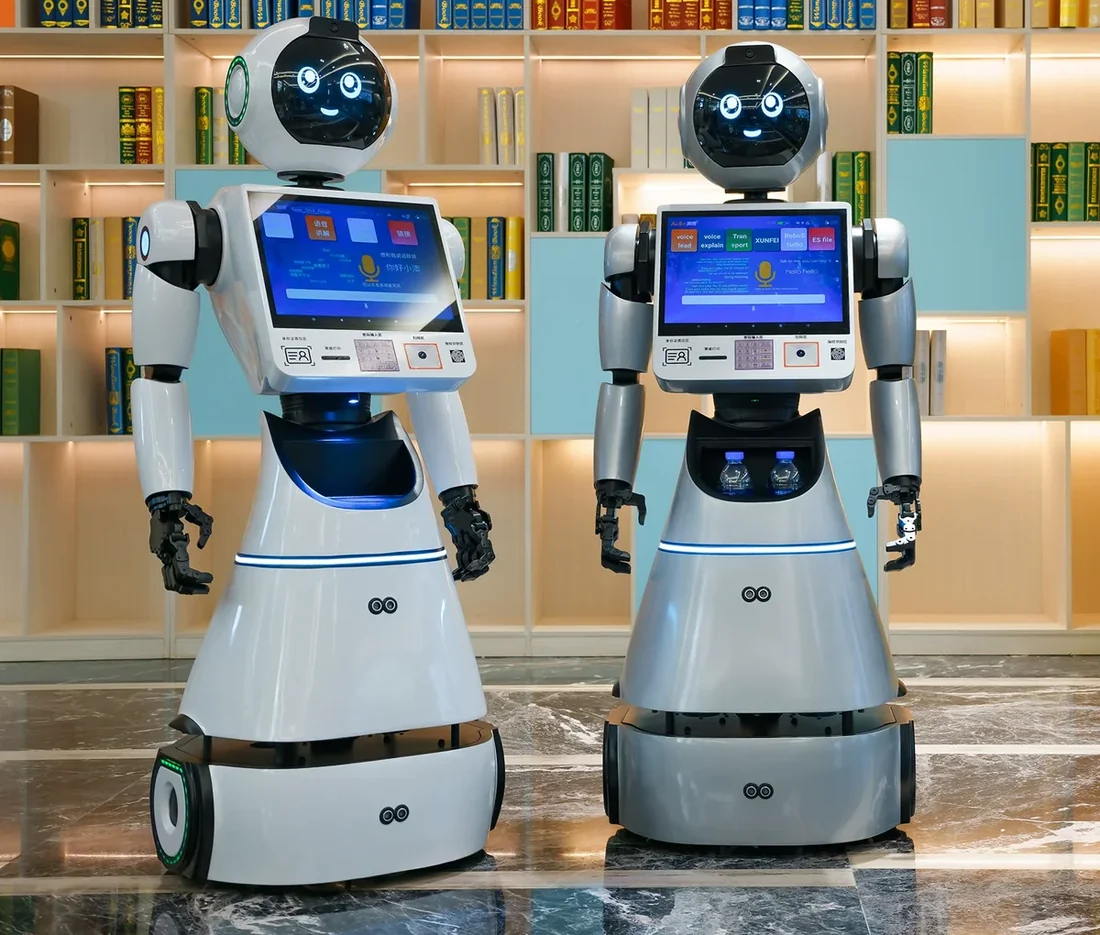
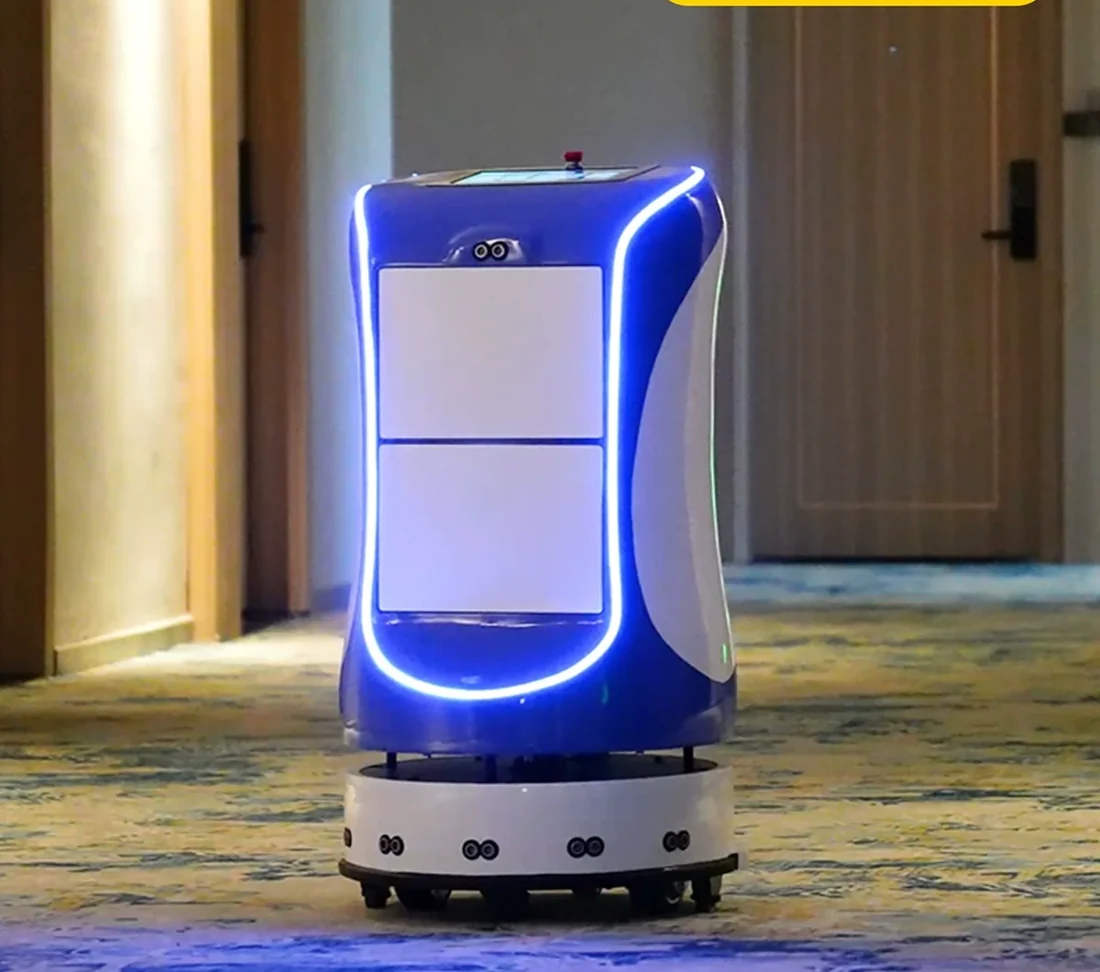
Frequently asked questions
Frequently asked questions
Response within 24 hours · Talk to an engineer
Which PMS systems can you connect to?
The connector depends on the PMS API or the available integration method. Common hotel PMS platforms expose APIs or partner connectors; older or locally hosted systems may need a read-only database view or a middleware. The method is confirmed after a technical call with the property’s IT team.
Is the integration read-only?
By default, yes: room number, arrival status, guest language and a task reference. Write access is limited to the task status and is agreed separately. Payment and identity data are out of scope.
Can the robot post a charge to the room?
Not in the standard scope. Posting a charge requires a PMS write interface and a commercial rule. Most hotels keep the charge at the desk or in the F&B system and use the robot only for delivery.
Do we need a PABX integration?
Only if room-phone notification is the chosen channel. The robot screen and app can work without PABX. Existing hotels usually prefer the phone because every room has one.
How long does the integration take?
The schedule depends on the PMS vendor, the API access and the security review. A read-only connector with a documented API can be quick; a custom database view or a vendor change request takes longer. The plan is confirmed after the technical call.
Who owns the guest data?
The property owns the guest data. The robot service processes it under the property’s instructions and should retain only what the task needs. The contract should state the retention period and the deletion process.
What if the PMS vendor refuses access?
The project can still run with a manual staff console and a standalone robot queue. The PMS integration is an efficiency feature, not a prerequisite for delivery. The quotation should state which functions are available without it.
Aobotics
Book a PMS technical call
Send the PMS name, version and hosting model. We will confirm the connector options.
- Response within 24 hours
- Talk to an engineer
- Warranty: 12 months
Tell us about your property
Share your property and the task. We reply with a configuration and a scoped quotation within 24 hours.