Deployment
Hotel Robot Deployment Guide: Lift, Network, PMS and People
A step-by-step hotel robot deployment guide: lift survey, Wi-Fi coverage, PMS and PABX integration, pilot metrics and the failures that delay go-live.
Quick answer
Deployment has four workstreams: building, network, hotel systems and people. Survey the lift before the quote, test three lift methods, run a 2–4 week pilot and measure tasks, round-trip time, exceptions and staff time. Standard warranty: 12 months.
On this page
- What does a hotel robot deployment involve?
- When should you start the lift survey?
- What network coverage does the robot need?
- How does the PMS and PABX integration work?
- How long does deployment take?
- What should the pilot measure?
- What are the most common deployment failures?
- What does a good handover include?
- Where to go next
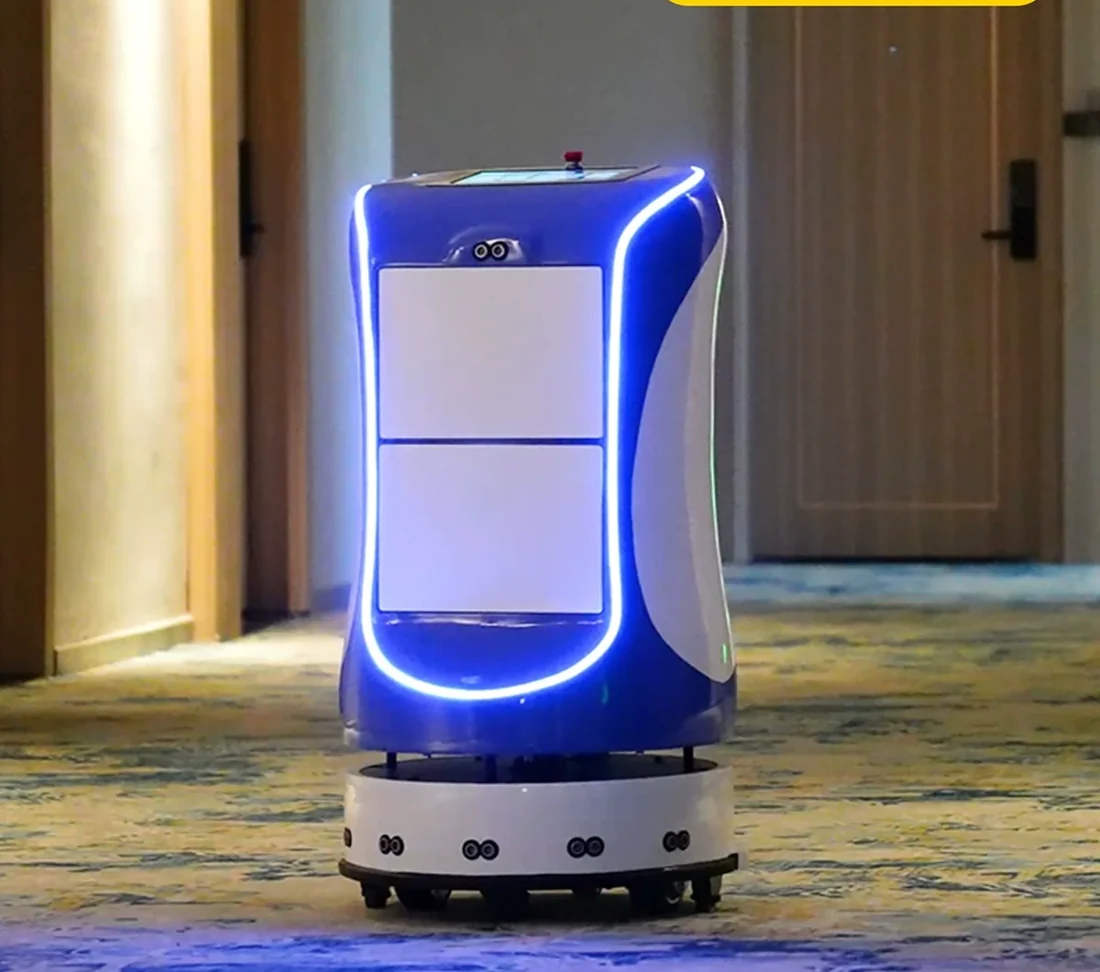
A hotel robot deployment is not an installation appointment. It is a small integration project with four workstreams: the building, the network, the hotel systems and the people. Projects that fail usually fail in one of those four, not because the robot cannot drive.
This guide is the sequence we use. It is deliberately written as questions, because that is how a hotel project team will read it.
What does a hotel robot deployment involve?
Four workstreams run in parallel:
| Workstream | What it covers | Owner |
|---|---|---|
| Building | Lift controller, service doors, routes, charging point | Engineering / lift vendor |
| Network | Wi-Fi coverage, roaming, segmentation, firewall | IT |
| Hotel systems | PMS, PABX, task queue, guest notification | IT / front office |
| People | Task creation, loading, exceptions, escalation | Front office / housekeeping |
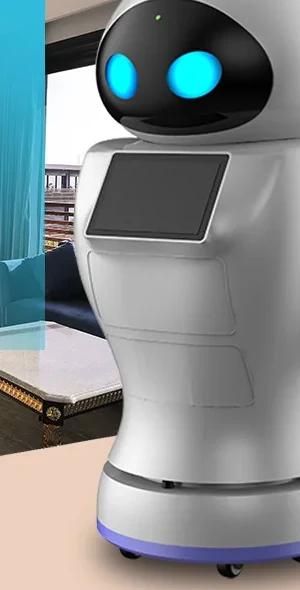
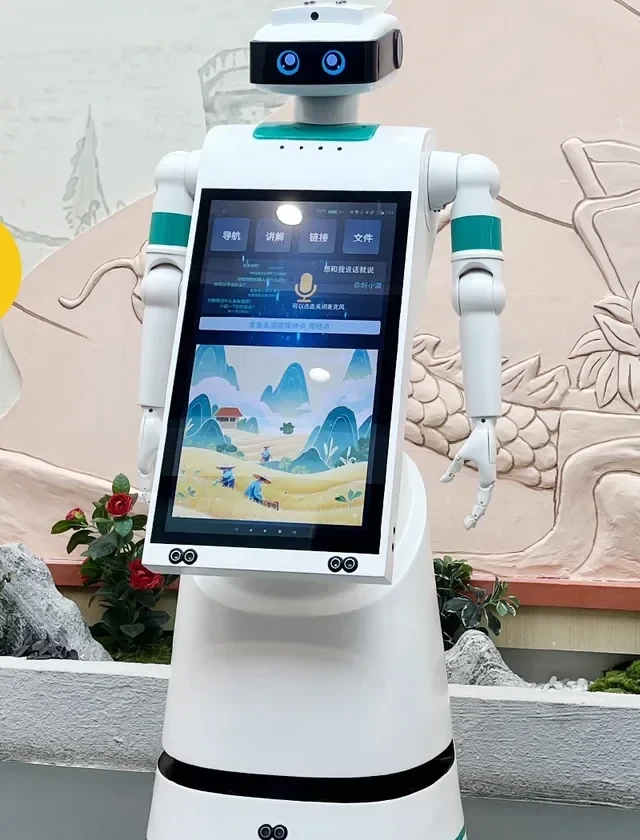
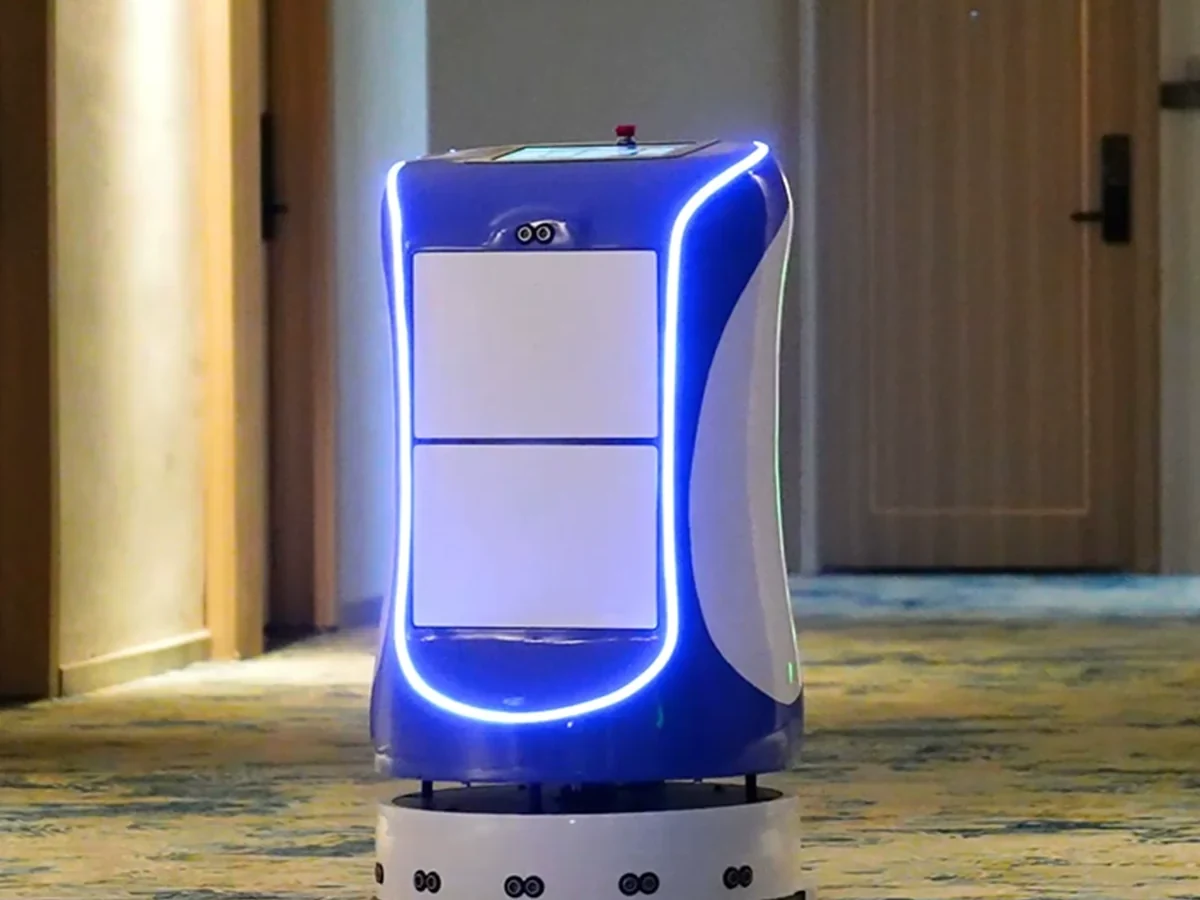
The robot supplier coordinates the workstreams, but the property owns the building and the systems. A deployment plan that does not name an owner for each workstream will stall. The hotel delivery robot page lists the platform inputs; the hotel service robot overview explains the wider category.
When should you start the lift survey?
Before the quotation is finalised. The lift controller model, the available interface and the lift vendor’s permission determine the integration method and the project cost.
A survey should record:
- Lift vendor, controller model, firmware version and service contact.
- Available interfaces: relay inputs, serial port, API or BMS gateway.
- Whether the service lift is dedicated or shared with guests.
- Fire-mode behaviour and the rule for robot use during an alarm.
- Door-open time, floor list and restricted floors.
- Who is allowed to change the controller configuration.
- The test procedure and the person who signs the record.
If the survey is deferred until after the deposit, the project has accepted a cost it cannot control. The elevator integration guide explains the three methods; the deployment checklist is the form to take to the plant room.
What network coverage does the robot need?
Stable Wi-Fi in the service core, the lift lobby and every guest corridor on the robot route. A coverage map is not enough; the site needs a walk test with the robot or a comparable device.
The common dead spots are:
- Corridor corners and the far end of a long floor.
- Lift lobbies, especially behind a fire door.
- Service stairs and the charging bay.
- Basement or back-of-house routes added late.
The robot needs the network for task updates, lift calls and status reporting. A brief outage may be survivable for a corridor task, but a dead spot on the lift lobby will stop the route. The what is a hotel robot guide explains how the network fits the wider system.
How does the PMS and PABX integration work?
The robot should not connect directly to the PMS database. A connector or middleware exposes only the fields the robot needs: room number, arrival status, guest language and a task reference. This keeps the PMS vendor support valid and limits the blast radius of a failure.
For the PABX, the robot service asks the phone system to call the room and play a short message. The PABX needs a call-trigger interface or a supported integration with the middleware. If the PABX cannot be triggered, the fallback is the robot screen plus an app or SMS notification.
The minimum data set is small:
| Field | Purpose | Access |
|---|---|---|
| Room number | Route and compartment assignment | Read |
| Arrival status | Check-in support and delivery eligibility | Read |
| Guest language | Notification and screen language | Read |
| Task reference | Link the robot task to the PMS record | Read / write |
| Delivery status | Close the task and update the queue | Write to robot service |
Do not read rate, payment or identity data for a delivery task. If a use case needs it, document the legal basis and limit retention. The PMS integration guide covers the interface options, and the room service robot page shows the guest notification flow.
How long does deployment take?
The schedule depends on lift integration, network readiness and the number of floors to map. Pre-staging and mapping happen before the site visit; the on-site work is focused on the lift handshake, route validation and training.
The sequence is:
- Survey and configuration sign-off.
- Integration plan and access approvals.
- Pre-staging and map build.
- Site installation and lift handshake.
- Training and acceptance.
- Pilot week and review.
A project that skips pre-staging spends the site visit discovering problems that could have been found at the factory. A project that skips the pilot spends the first month discovering them with guests. The buying guide explains how to tie the schedule to payment milestones.
What should the pilot measure?
Four numbers decide whether to expand:
- Tasks completed per day.
- Average round-trip time.
- Exception rate — how often a human has to rescue the robot.
- Staff time released, measured against the pre-pilot baseline.
A pilot that only counts successful deliveries hides the operating cost. A robot that completes 30 tasks but needs 20 rescues is not saving time. The ROI guide shows how to turn these numbers into a payback estimate; the ROI calculator runs the arithmetic.
What are the most common deployment failures?
The list is short and predictable:
- Untested lift exception. The normal call works; the busy lift, door obstruction and fire-mode simulation were never tested.
- Wi-Fi dead spot. The coverage map looked fine; the corridor corner did not.
- No named owner. Everyone assumed someone else was checking the task queue.
- PMS scope creep. A read-only connector became a write-back project without a change order.
- Staff bypass. The front desk kept walking because the robot was slower than the old habit during the first week.
- No fallback. A network or PMS outage stopped deliveries because no manual queue existed.
Each has a cheap prevention: a test script, a walk test, a named owner, a written scope, a pilot target and a fallback drill. The case studies page describes reference deployment patterns with the same failure points.
What does a good handover include?
A handover should include the signed acceptance record, the test logs, the route map, the lift procedure, the PMS/PABX fallback, the spare-parts list, the training records and the escalation contacts.
It should also include a review date. The first month is when the property learns which tasks are popular, which routes are slow and which exceptions are common. A handover without a review date is a handover without a feedback loop. Send the handover draft to the contact page for a review before go-live.
The goal is not a robot that works on day one. It is a robot that still works in month six, when the novelty is gone and the night manager is the only person on shift.
Where to go next
- Review the hotel delivery robot and room service robot configurations.
- Check the elevator integration and PMS integration guides.
- Download the deployment checklist for the site survey.
- Read the buying guide for the RFP and acceptance terms.
- Model the pilot with the ROI calculator.
- See the city hotel solution for a typical layout.
- Browse the product range and factory catalogue.
- Review the factory page for build and quality checks.
- Send the site plan through the contact page.
- Message the factory on WhatsApp.
A deployment is finished when the exception path works, not when the robot first arrives. Test the busy lift, the dead spot and the night shift before you call it live.